Google Play Store PC
Gives you access to any type of Apk Android App on your Windows PC.

Safe & Secure

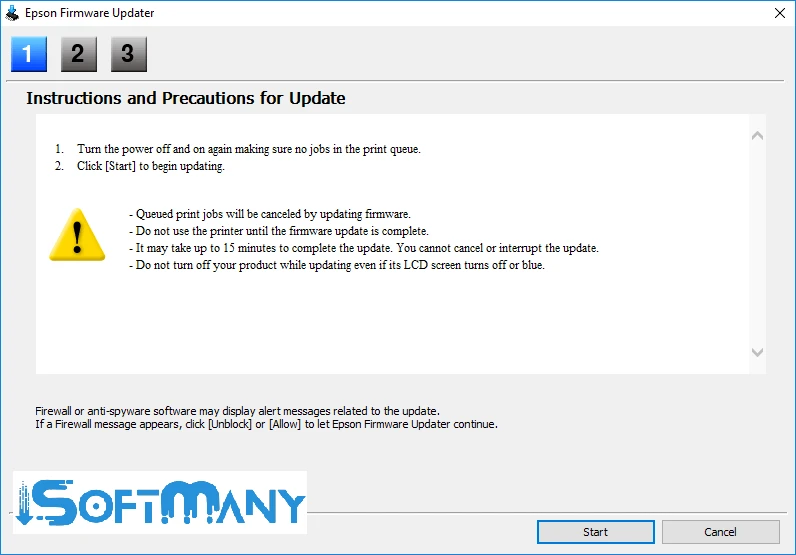
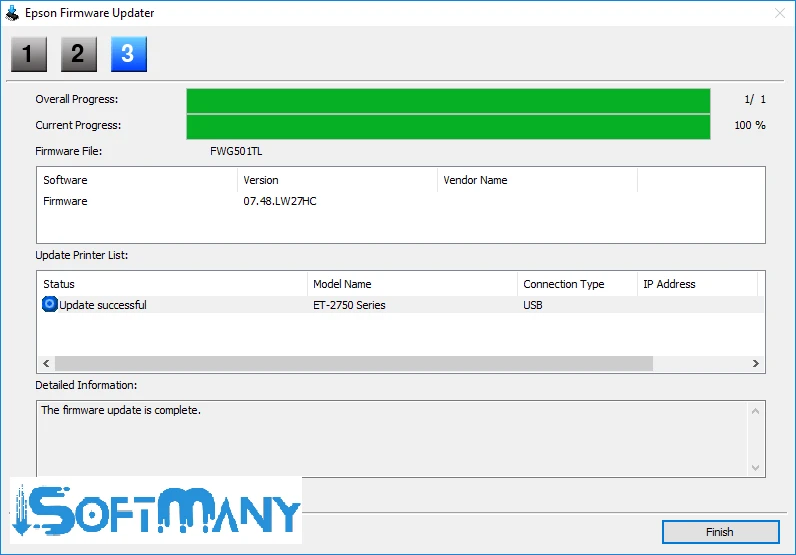
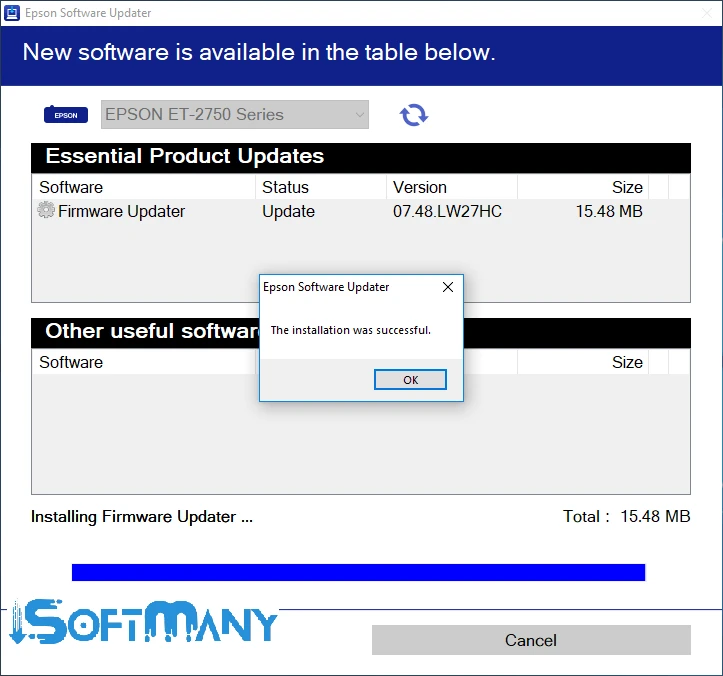
Epson Software Updater, formerly known as Download Navigator, is specifically designed for Epson devices to keep them up-to-date, streamlining an efficient updating process for scanners, printers, and other peripherals. The innovative tool is reliably compatible with both Windows and Mac operating systems.
It is developed by Seiko Epson Corporation to ensure optimized performance and compatibility with your device. It offers an automatic process to access the latest available updates and assist you in installing them on your device.
The app offers an easy and simple-to-use updating process, so you need only to follow on-screen instructions. First, you need to turn on the Epson product and connect it to your computer. You can install the software from the official website or any other authentic website, and launch it. The app starts detecting the connected Epson devices, reliably checking for the latest updates automatically. If there are new updates, you can easily install them according to your preferences. It also ensures that third-party apps are installed as well. After completing the installation, restart your device and apply changes if necessary.
Firmware is the latest internal microcode related to modern printing hardware, which enables to know about the work process of a printer, such as managing ink drop placement, thermal printhead cooling, wireless network authentication, including WPA3 and Wi-Fi Direct, and also scan jobs execution. If you don’t regularly update the firmware, you have to face multiple issues, such as communication dropouts after major Windows 11 updates, with newer macOS versions, scanning incompatibilities and slow spooling times issues are encountered. You can fix all such and other issues using the one-click automatic process of getting all essential updates for your device.
The app offers categorized updating process, such as Essential Product Updates and Other Useful Software, for the ease of users to select as according to their preferences. No need for any manual bothering, instead offers automatic process, using local USB buses, or discovering the wireless printers over Wi-Fi/ Ethernet. You will find a highly protected process against tampering and malicious file injection, using the official Epson FTP and HTTPS distribution node for downloading the packages. In addition, scheduling updating process makes everything easy and simple, allowing the users to run daily, weekly, or monthly schedules. You can also create backups for the safety of previous versions and install updates on multiple devices simultaneously.
Pros
Cons

Gives you access to any type of Apk Android App on your Windows PC.

PC App Store download, install, and keeps up-to-date your PC programs

free emulator to play Android apps on your pc with extra performance, reliability

Bijoy Bayanno the most powerful software to write Bengali language on PC

Media Creation Tool is upgrading and installing Windows 10 bootable installed disks.

Rufus easily change your USB Flash to a bootable ISO flash drives.